How to Install ETF Mod on Fabric (Step-by-Step)
Pick the right file, install Fabric Loader, and confirm ETF is running before you add a single resource pack.
ETF Mod (Entity Texture Features) is a client-side mod, so installing it takes about five minutes and never touches your worlds. This walkthrough covers the Fabric route, which is the most common setup and the one that pairs best with Sodium and Iris.
Key takeaways
- Match three things: Minecraft version, loader (Fabric) and ETF file.
- ETF is client-side only. Servers do not need it.
- Install Mod Menu if you want an in-game settings button.
Before you start
Launch vanilla Minecraft Java Edition once for the version you want to mod. This creates the version files the loader needs. Note the exact version number on the title screen, such as 1.21.1, because every download below must match it.
You also need Java. Minecraft 1.20.5 and newer run on Java 21; 1.18 through 1.20.4 use Java 17. The official launcher bundles the right runtime, so most players can skip this step.
Install Fabric Loader
- Download the Fabric installer from fabricmc.net.
- Run it, choose the Client tab, select your Minecraft version and click Install.
- Open the Minecraft Launcher. A new profile called fabric-loader-(version) appears.
- Start that profile once, then close the game. This creates the
modsfolder.
Download the right ETF file
Open the official ETF page on Modrinth or CurseForge. Filter by your game version and the Fabric loader, then download the newest release. The file name looks like entity_texture_features_fabric-1.21.1-x.x.jar. If you want to confirm the file is untouched, compare its SHA-256 hash using the checker on our download page.
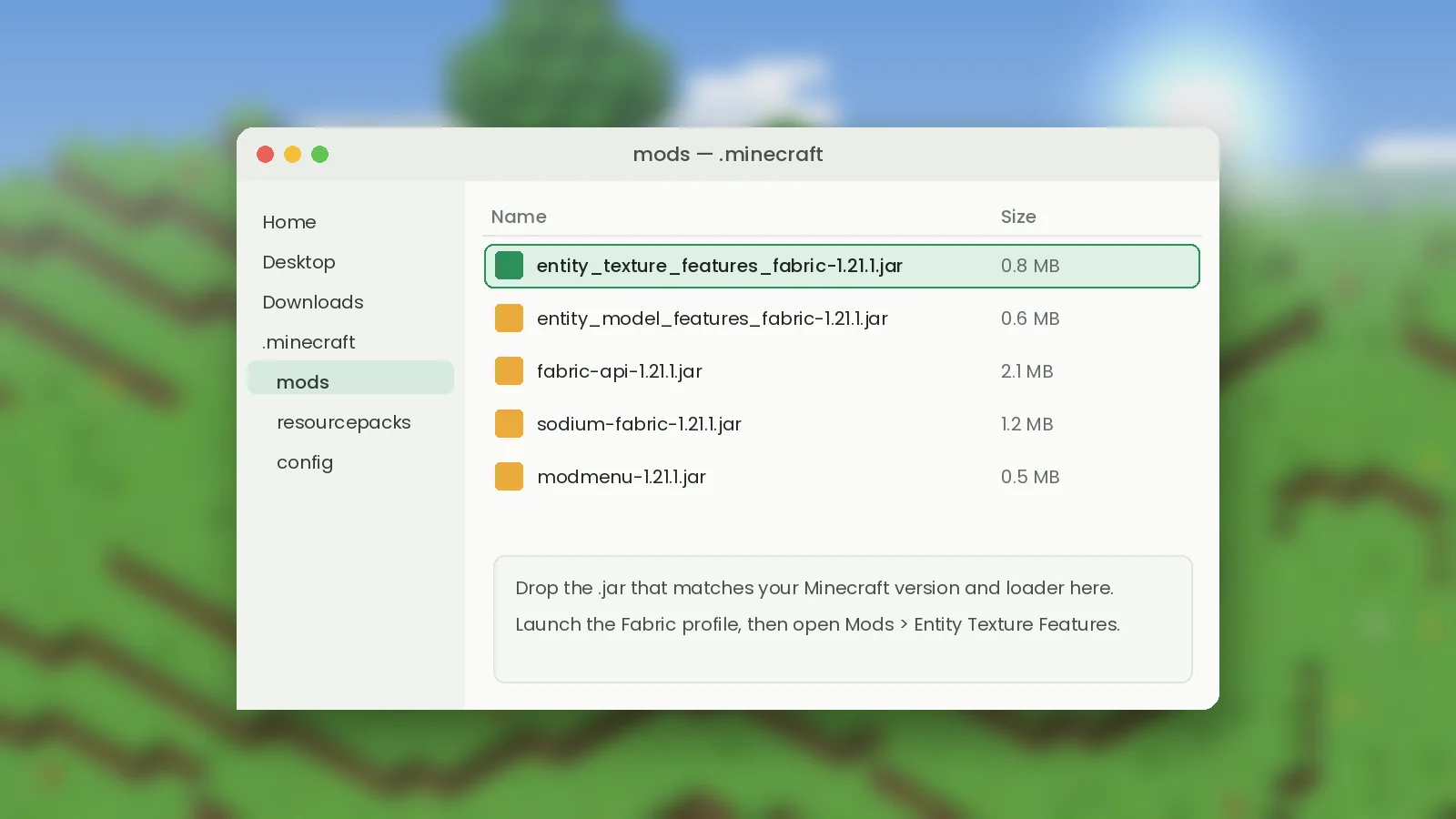
Add the jar to your mods folder
Press Win + R, type %appdata%\.minecraft and open the mods folder. On macOS the path is ~/Library/Application Support/minecraft/mods; on Linux it is ~/.minecraft/mods. Drag the ETF jar in. Optional but recommended: add Mod Menu for a settings button and Sodium for better frame rates.
Check that ETF is working
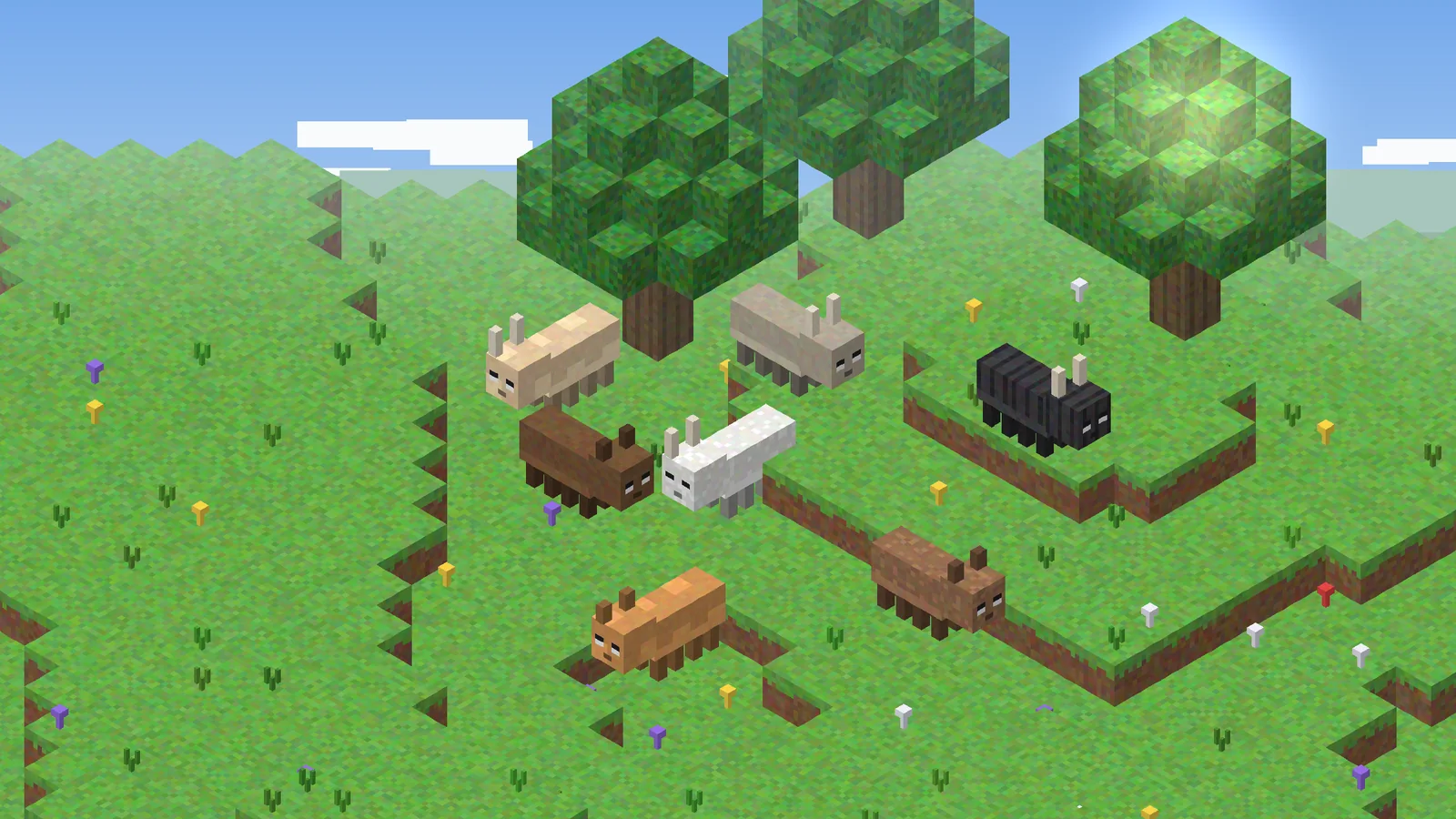
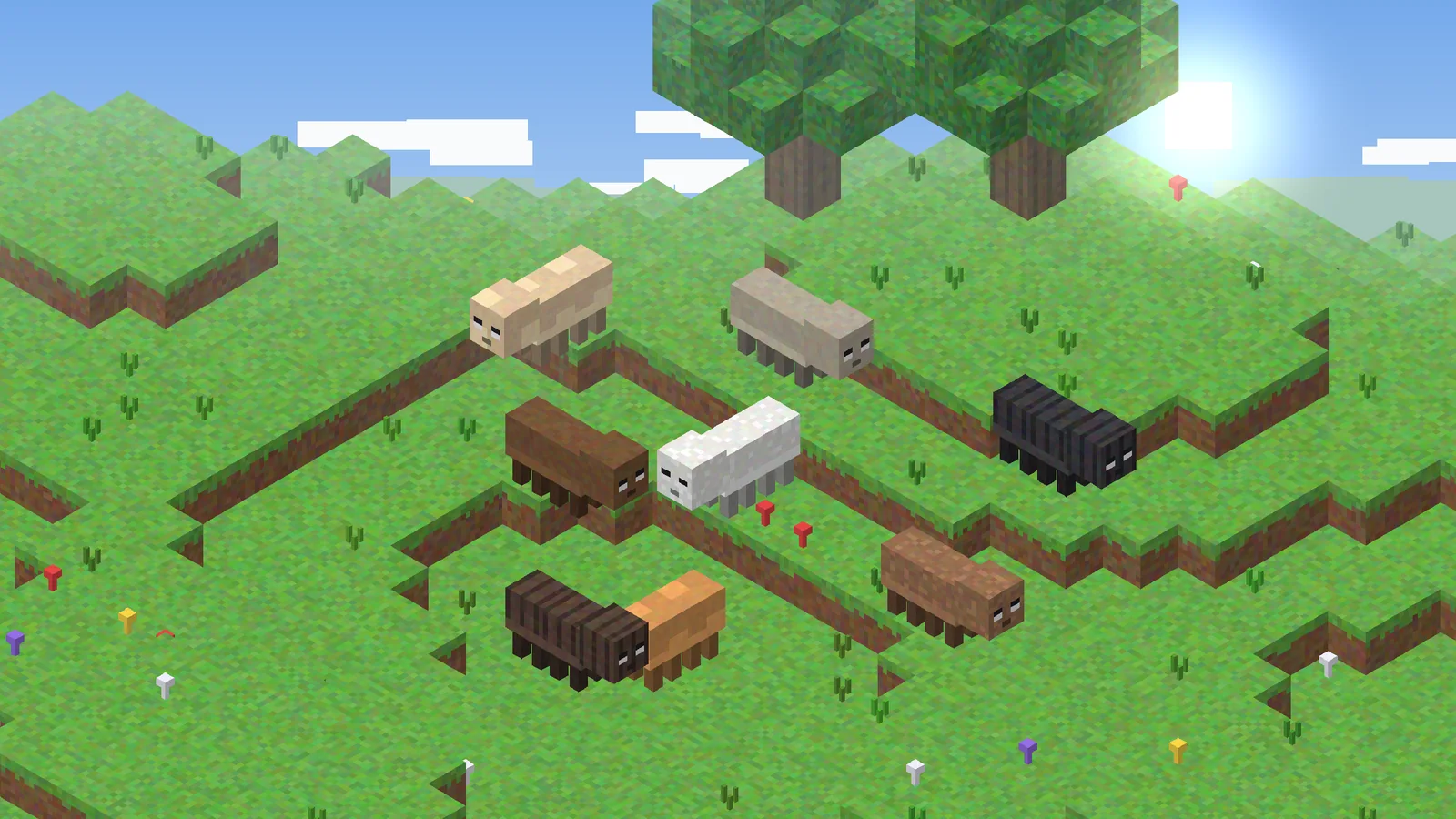
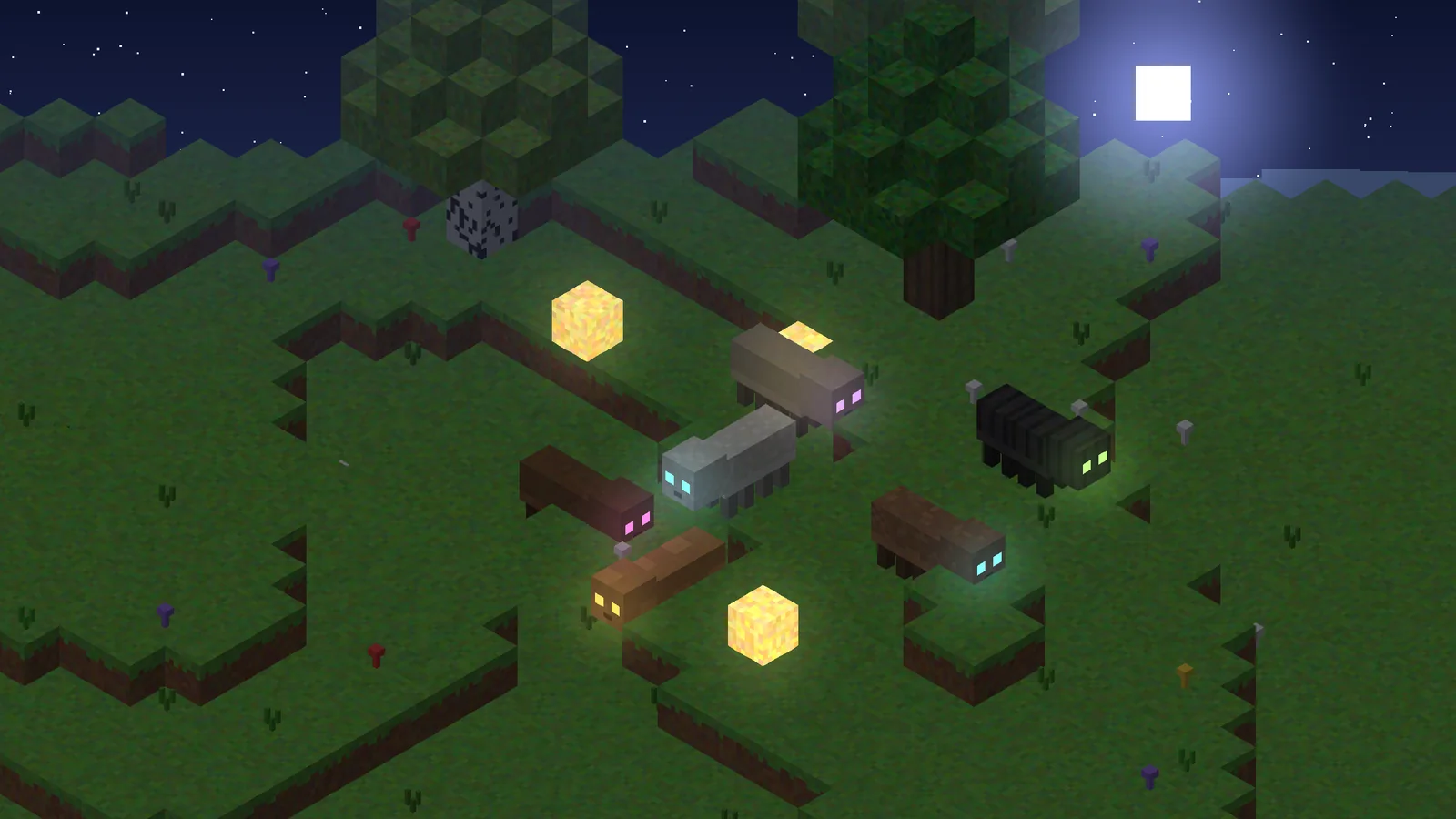
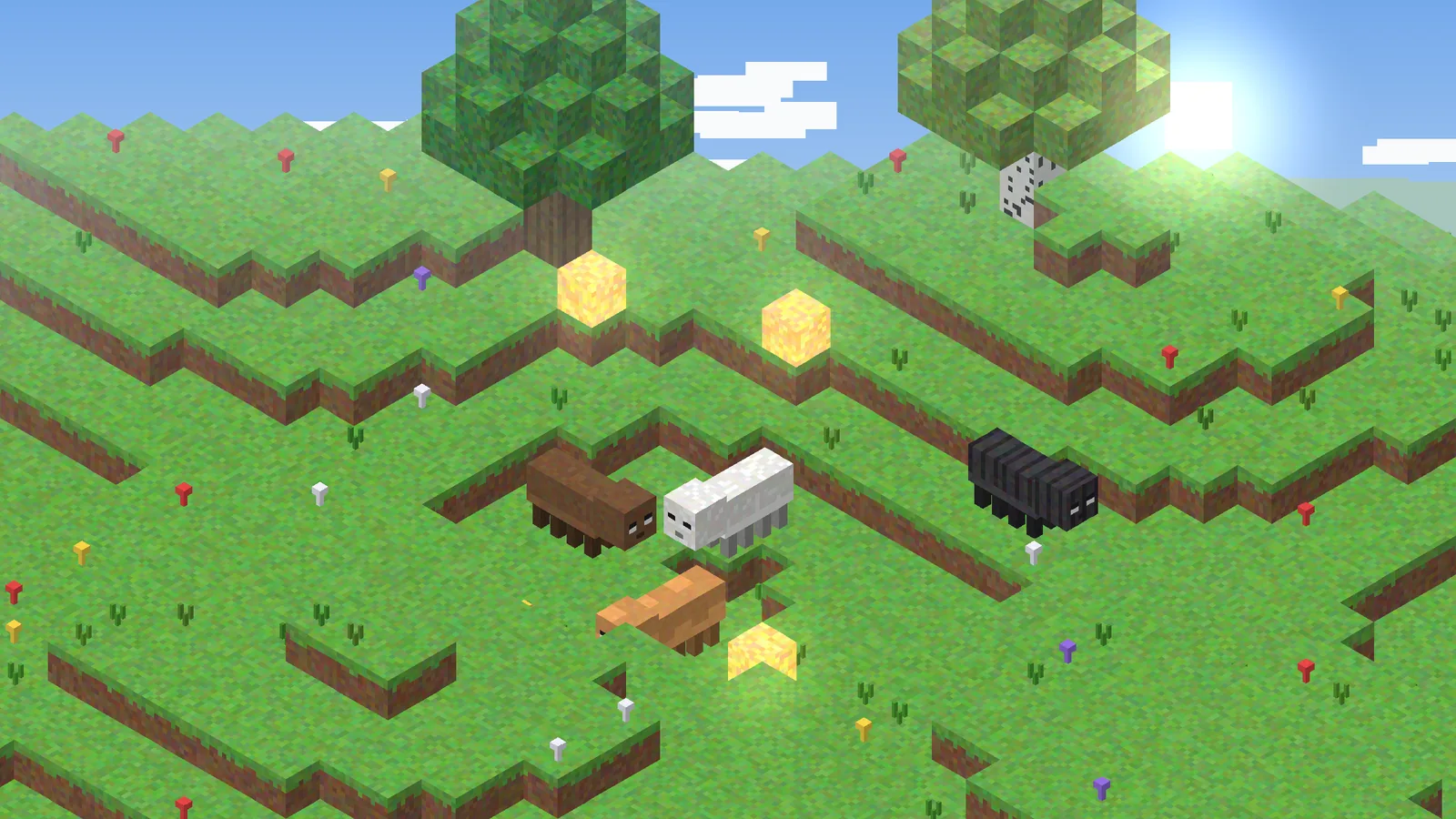
Launch the Fabric profile. On the title screen click Mods, find Entity Texture Features and open its settings. If you see the options screen, the mod loaded. Now add a resource pack that supports random or emissive textures, enable it in Options > Resource Packs, and look at a mob. Press F3 + T to reload textures after editing a pack.
Next steps
Want custom models as well as textures? Read ETF vs EMF explained. If the game fails to start, the crash fix guide walks through the log file line by line.