Emissive Textures in ETF: Make Mob Eyes and Details Glow
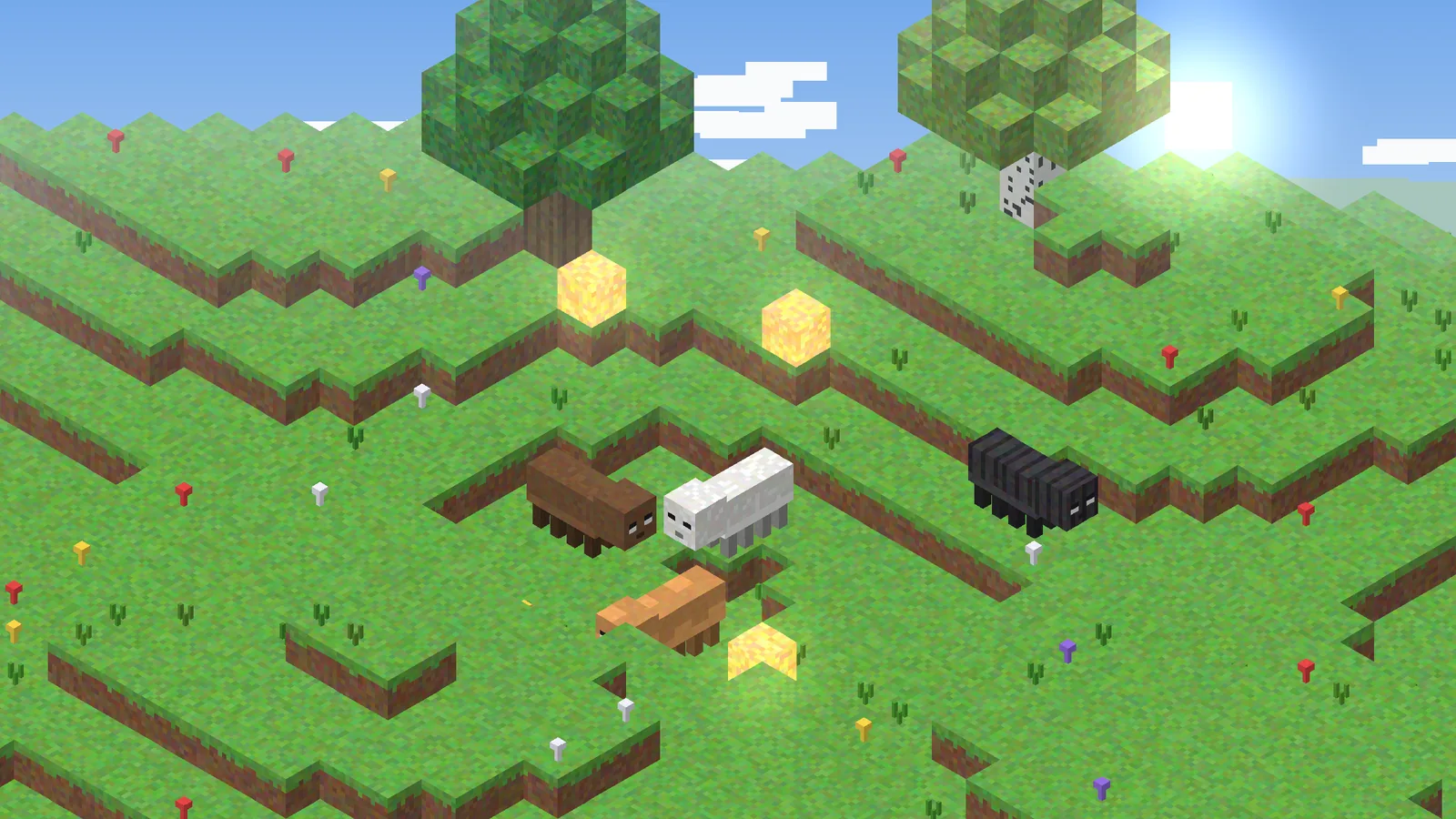
Add an _e layer and ETF renders it at full brightness, so eyes and markings glow even in total darkness.
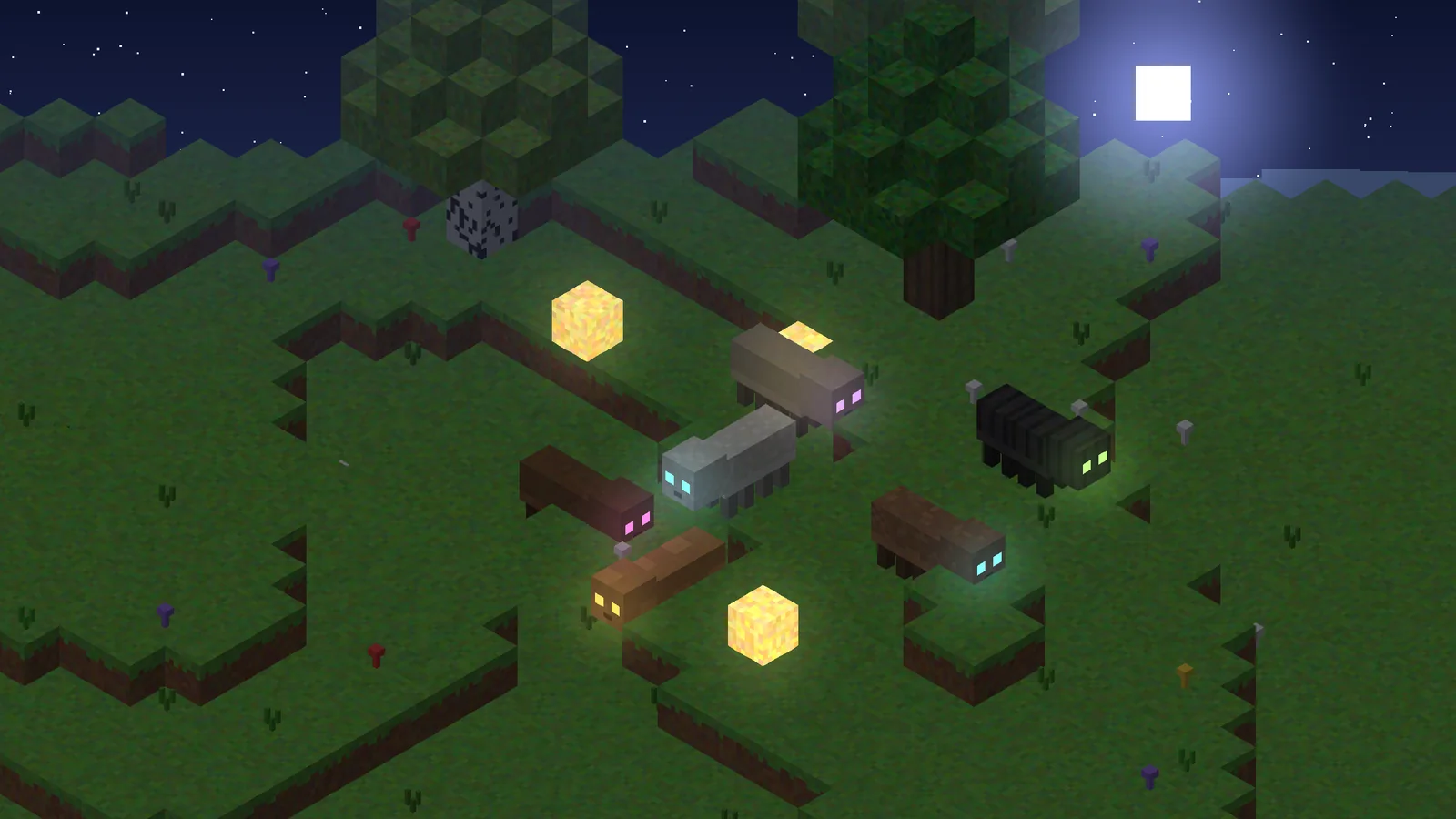
Emissive textures are the second headline feature of ETF Mod. They let parts of a mob, such as eyes, runes or mushrooms, ignore world lighting and glow in the dark. The format is simple: a second image, drawn only where you want light.
Key takeaways
- Create
name_e.pngnext to the base texture. - Leave every non-glowing pixel fully transparent.
- Works with random variants:
cow3_e.pngglows only on variant 3.
How emissive layers work
ETF draws the base texture normally, then draws the emissive layer on top at full brightness. The result looks like light coming from the mob itself.
Making your first emissive texture
- Copy
spider.pngand rename the copyspider_e.png. - Erase everything except the eyes, leaving true transparency, not black.
- Brighten the remaining pixels slightly, since the glow reads better when saturated.
- Save both files in the same folder and reload with F3 + T.
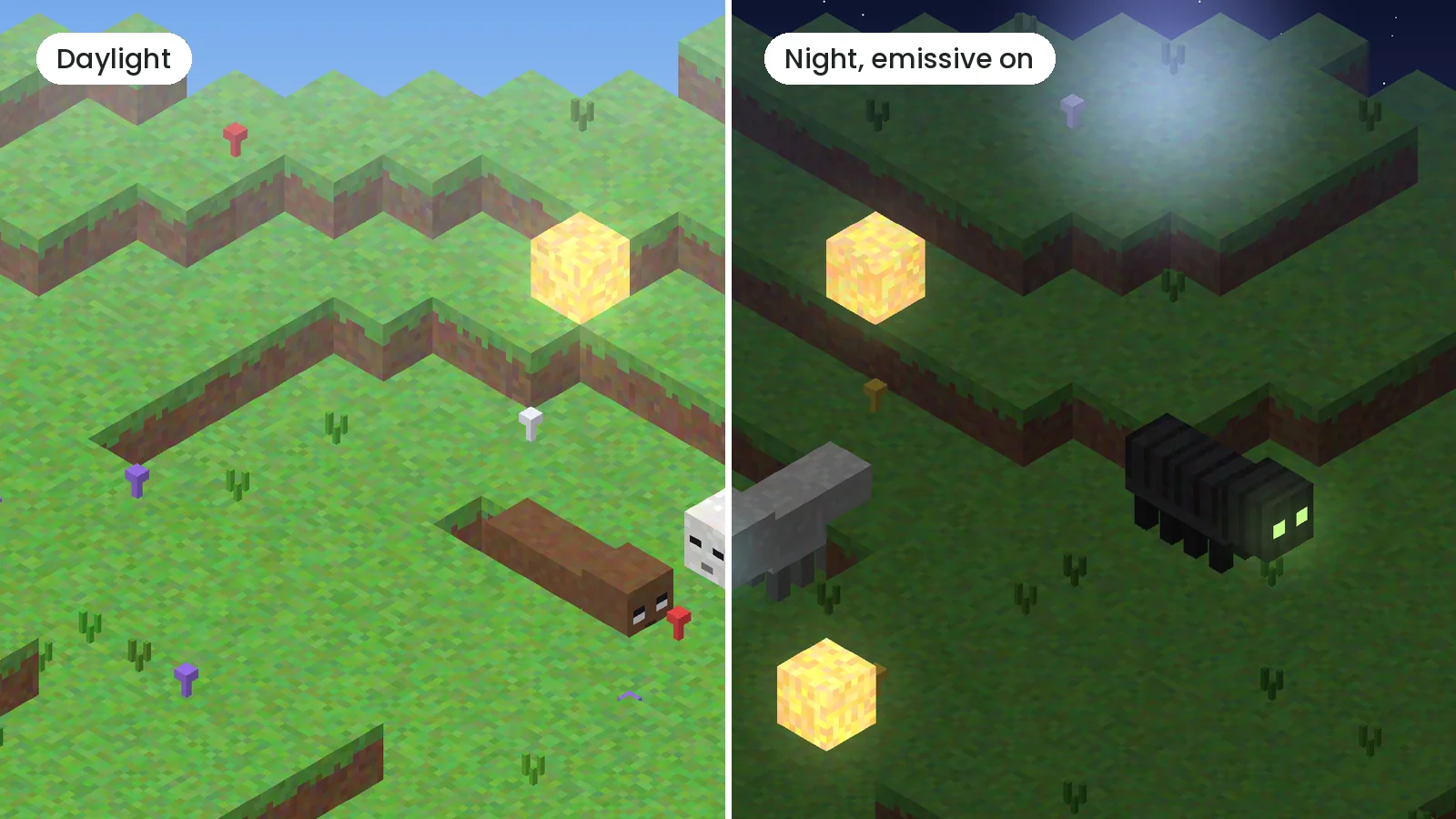
Changing the suffix
Packs made for OptiFine sometimes use a different suffix. Add optifine/emissive.properties containing suffix.emissive=_e (or your own suffix) and ETF follows it.
Emissive textures with shaders
With Iris shader packs the glow can look weaker or overly bright depending on the pack. ETF's settings include an emissive rendering mode; switching it is usually enough. If a shader pack has its own emissive support, test both and keep whichever looks cleaner.
Common mistakes
A black background on the _e file is the classic error; it makes the whole mob glow dark. The other is a mismatched name: the emissive file must match the base texture exactly, variant number included. For more rule-writing tips see the random textures guide.