ETF vs EMF: Entity Texture Features and Entity Model Features Explained
ETF changes what mobs look like on the surface. EMF changes their shape. Here is when you need one, the other, or both.
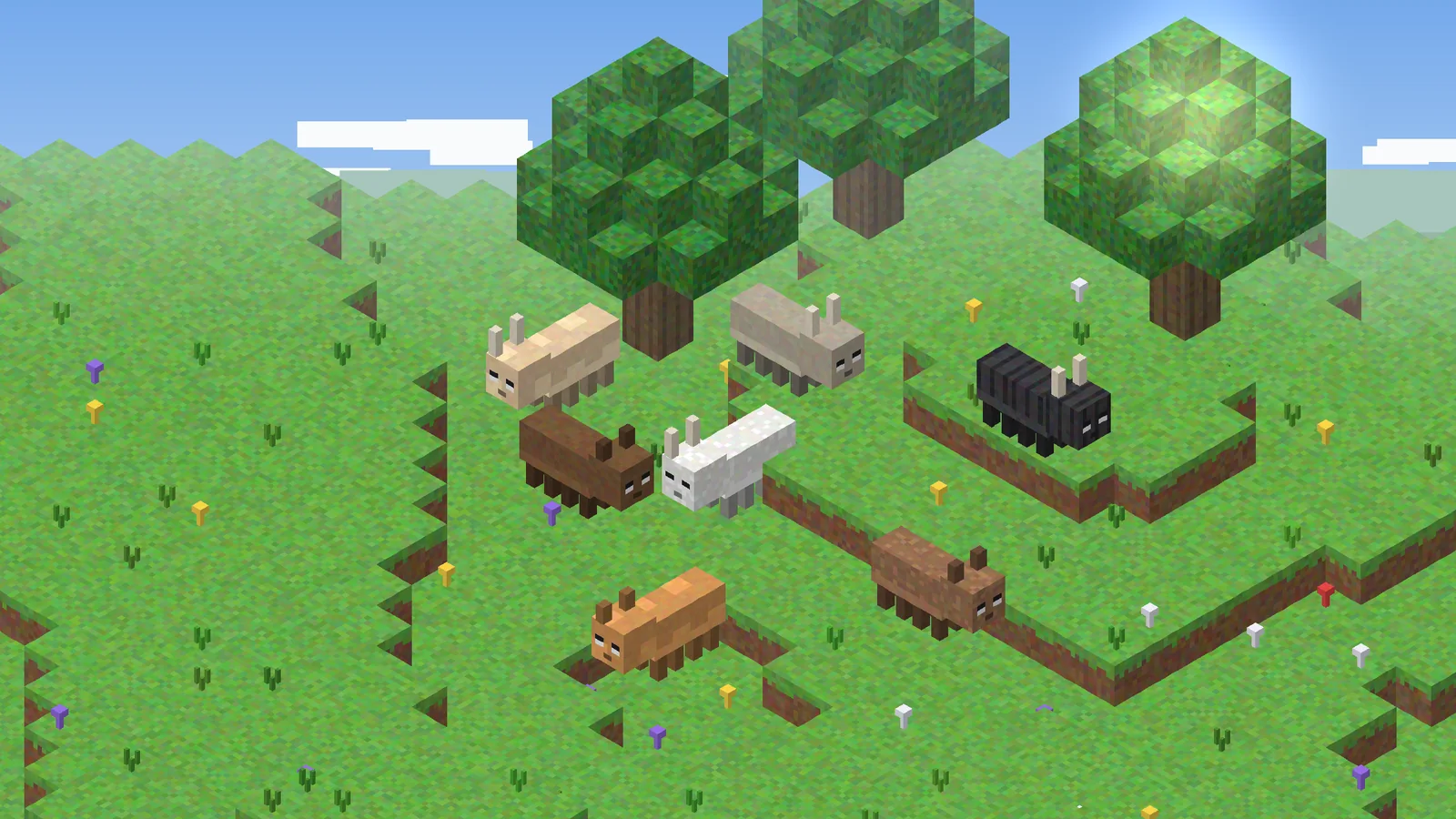
ETF Mod and Entity Model Features (EMF) are sister mods by the same developer, Traben. People mix them up because resource packs often list both as requirements. They solve different problems, and knowing which is which makes troubleshooting much easier.
Key takeaways
- ETF handles textures: variants, emissive glow, blinking, player skin features.
- EMF handles models: new shapes and animations from OptiFine-format .jem files.
- EMF requires ETF. ETF works fine without EMF.
What ETF does
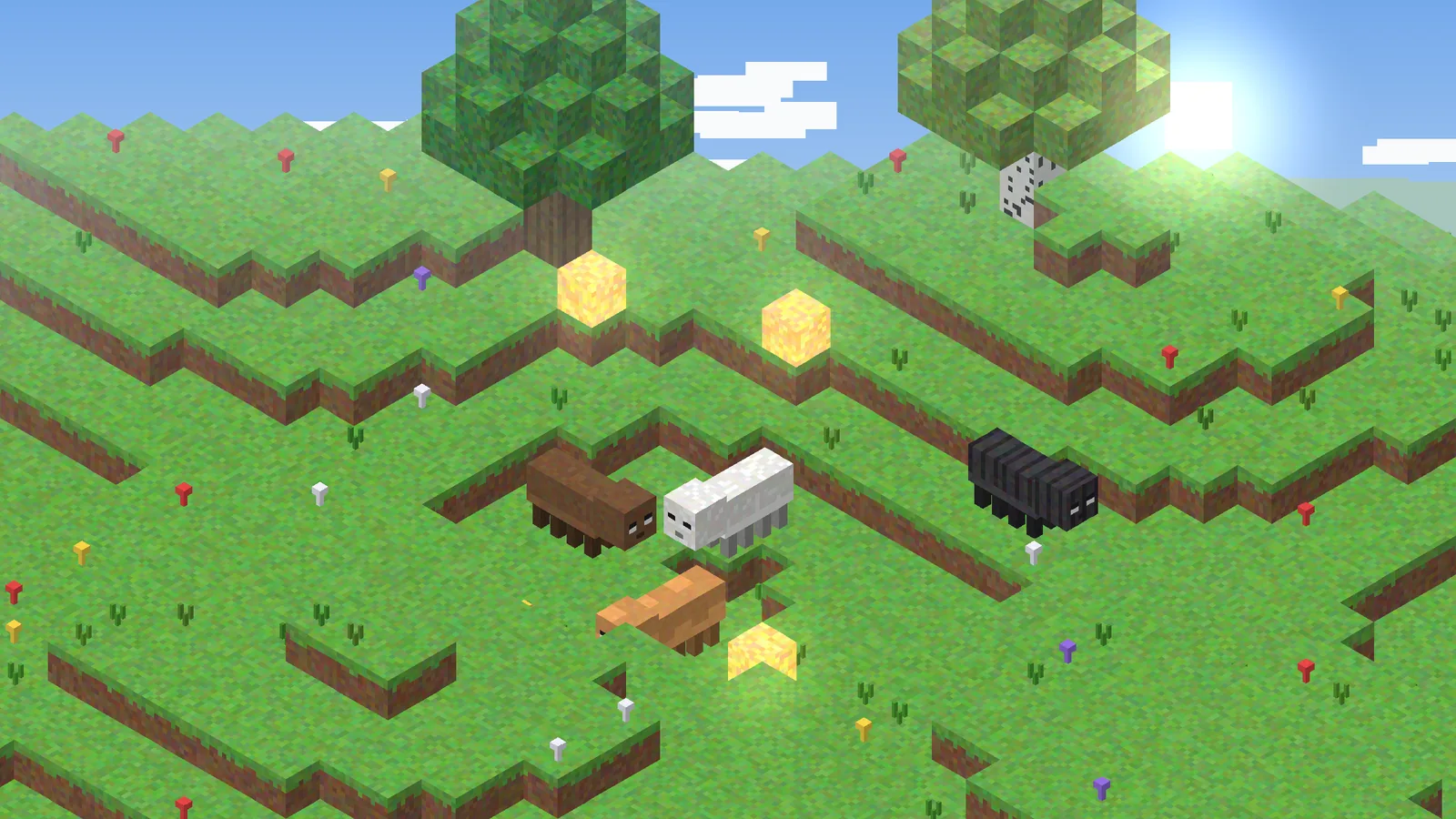
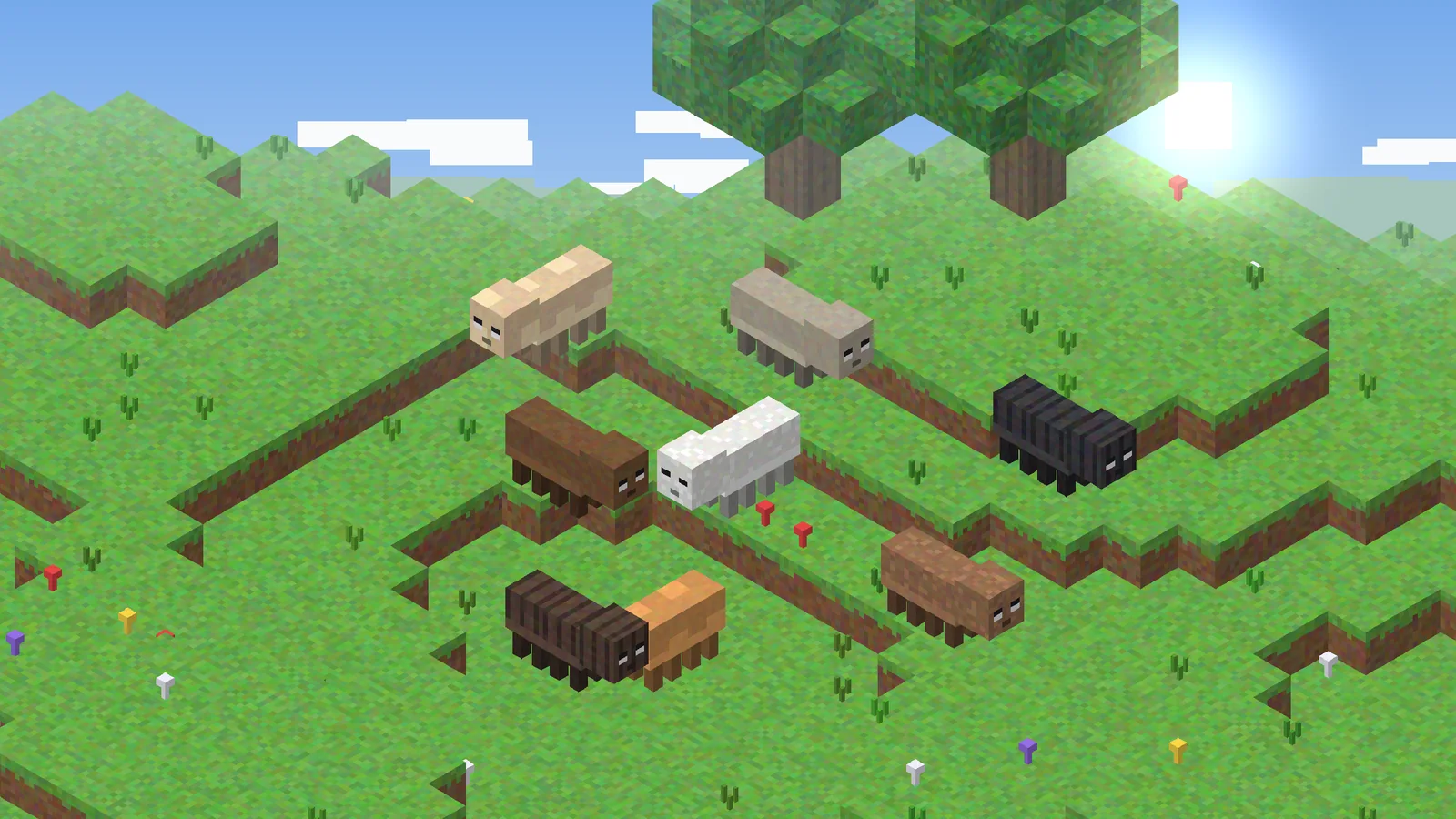
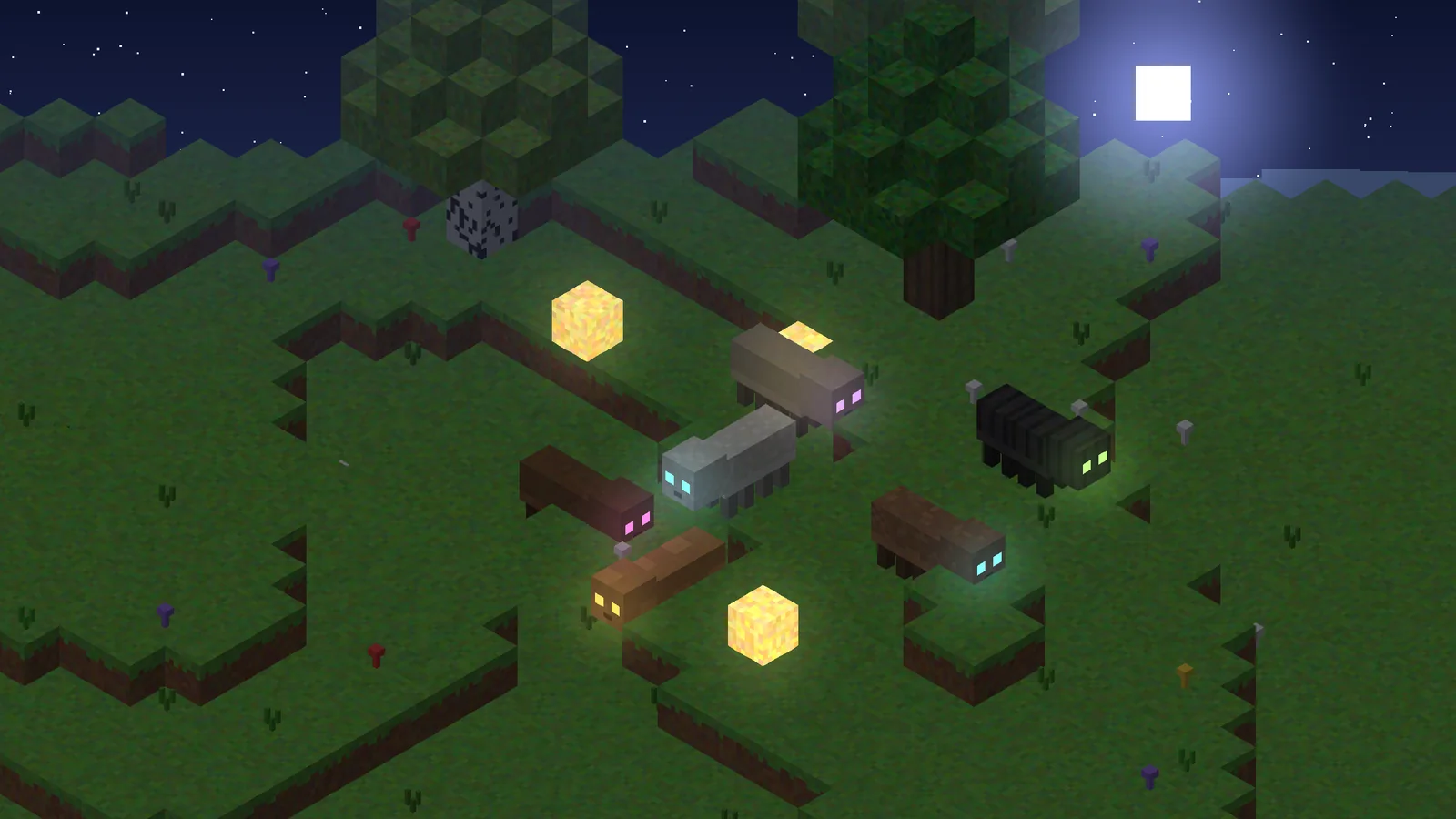
ETF reads OptiFine-style texture rules. It lets a pack give cows ten coats instead of one, make spider eyes glow through an emissive layer, add blinking to mobs and apply textures based on biome, height, name, weather and more. It never changes the geometry of a mob.
What EMF does
Entity Model Features replaces or extends mob models. A pack can add ears, horns, tails, longer legs or completely new animations, written in the .jem and .jpm formats that OptiFine's Custom Entity Models introduced. Popular packs such as Fresh Animations depend on it.
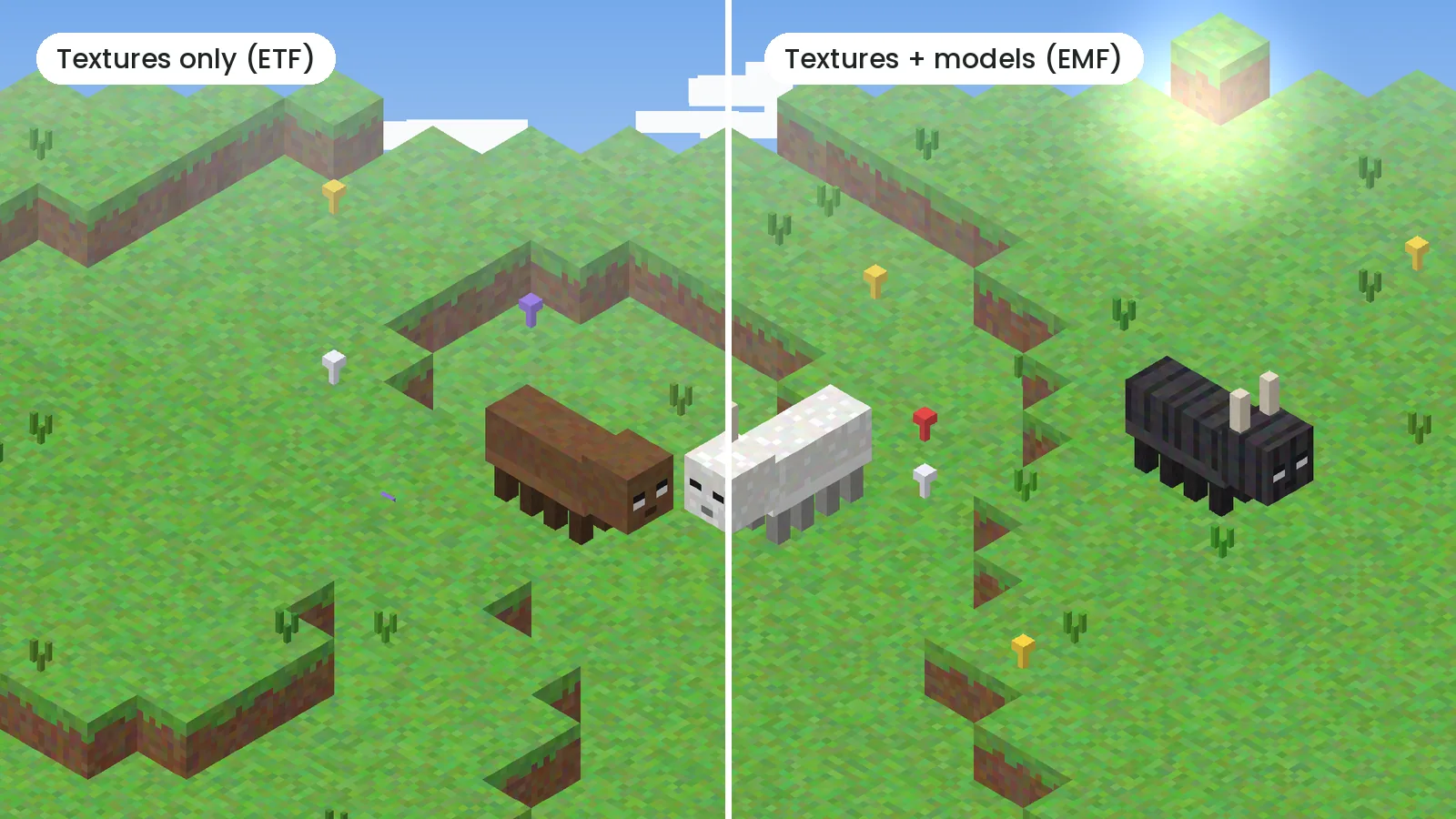
Do you need both?
Check the pack's description. If it mentions CEM, custom models or animations, install both. If it only mentions random or emissive textures, ETF alone is enough. Installing EMF without a model pack does nothing harmful; it simply waits for model files.
Installing them together
- Download ETF and EMF for the same Minecraft version and loader.
- Place both jars in your
modsfolder. - Remove OptiFine if it is installed, since both mods replace its entity features.
- Launch, enable the resource pack and reload with F3 + T.
Version mismatches between ETF and EMF are the most common cause of startup errors. Update both at the same time. Our download page lists the matching pairs.