ETF Mod Crashing? 7 Fixes for Startup Errors and Missing Textures
Most ETF problems come down to a version mismatch or a conflicting mod. Read the log, then work through these seven fixes.
When ETF Mod fails, the game either stops on the loading screen or starts without any custom textures. Both are almost always fixable in a few minutes. Start by reading the log, then try the fixes in order.
Key takeaways
- The file
.minecraft/logs/latest.lognames the problem. - Version mismatches cause most crashes.
- OptiFine and ETF cannot run together.
Read the log first
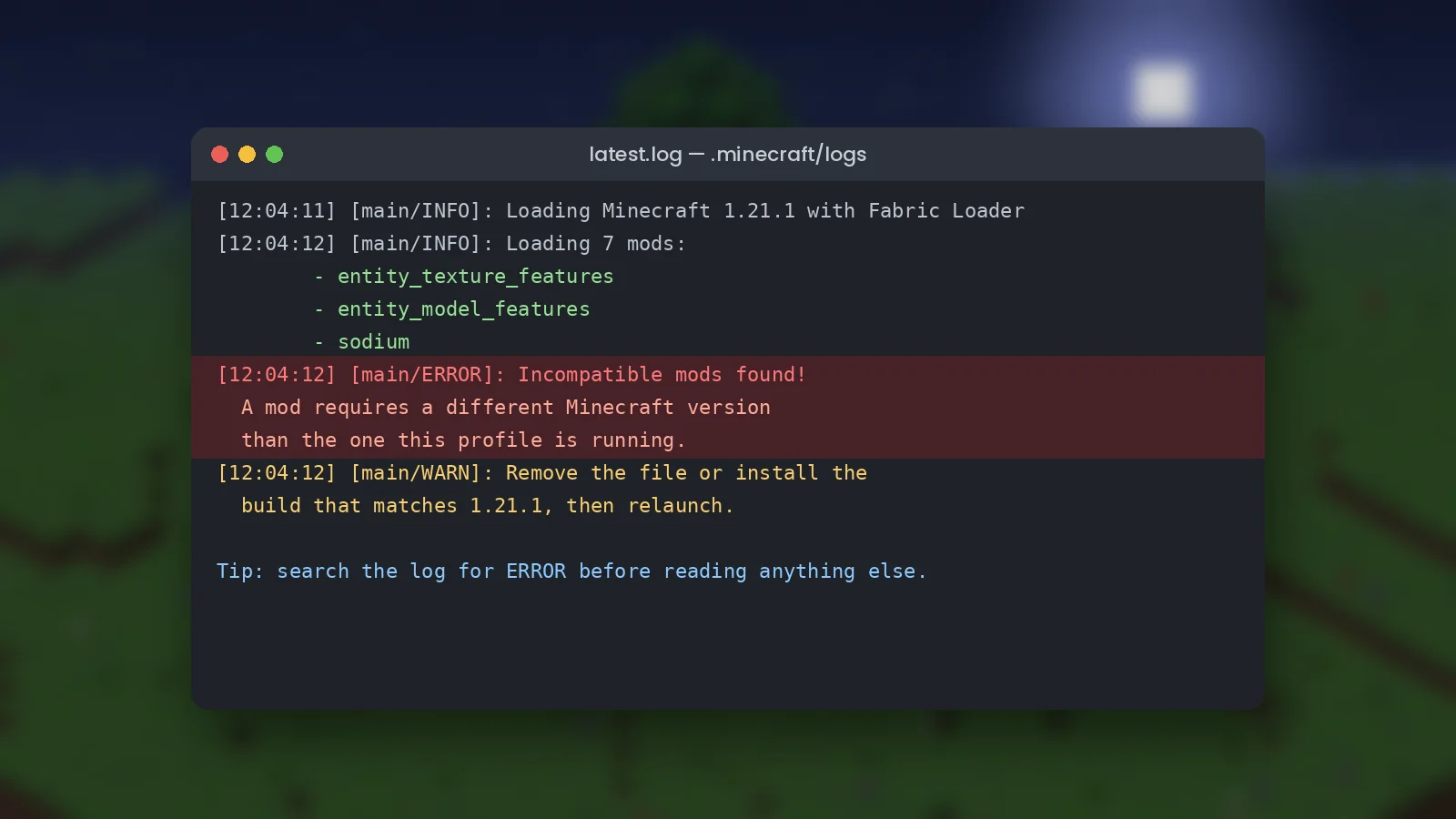
Open latest.log in a text editor and search for ERROR. Loaders like Fabric print a plain-English message such as "Incompatible mods found!" followed by the mod that needs attention.
Seven fixes that solve most issues
- Match the Minecraft version. A 1.20.1 jar will not load on 1.21.1. Download the build for your exact version.
- Match the loader. Fabric files do not run on NeoForge and the reverse is also true.
- Remove OptiFine. ETF replaces its entity features, and running both causes crashes or blank textures.
- Update ETF and EMF together. Mismatched pairs are a top cause of errors.
- Update Java. Minecraft 1.20.5 and newer need Java 21.
- Reset the config. Delete ETF's file in the
configfolder; it is recreated with defaults. - Test alone. Move every mod except ETF out of the folder. If it starts, add mods back in halves until the conflict appears.
Textures not showing
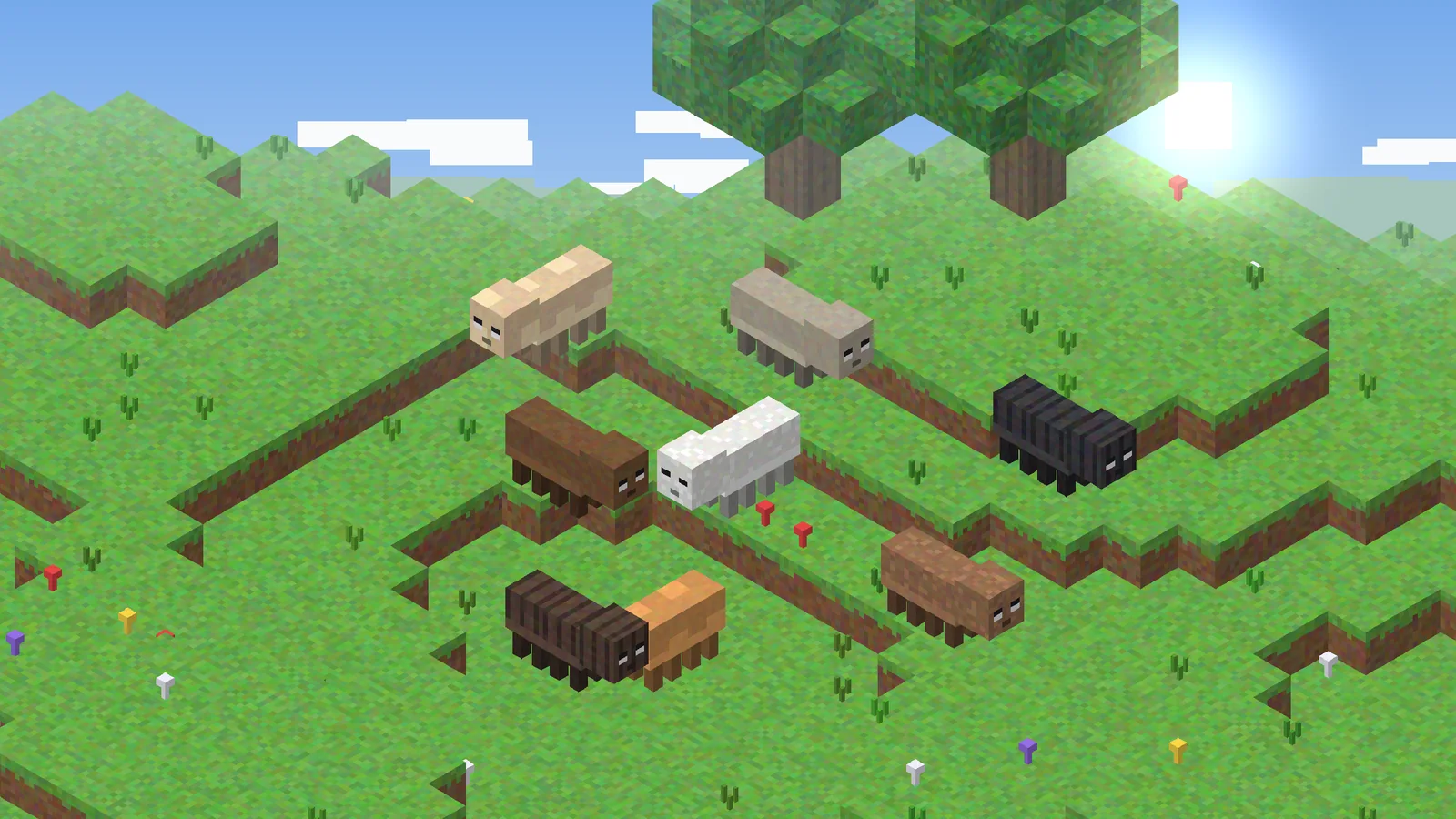
If the game runs but mobs look vanilla, check that the resource pack is enabled and above others in the list, that folder paths are spelled exactly, and that ETF's random textures option is on. Press F3 + T after every change.
Still stuck?
Search the issue tracker on the project's GitHub page and include your log when reporting. Our FAQ and support page cover the rest.