Random Mob Textures with ETF: A .properties File Guide
Give every cow, villager or wolf its own look using a single .properties file. Copy-ready examples included.
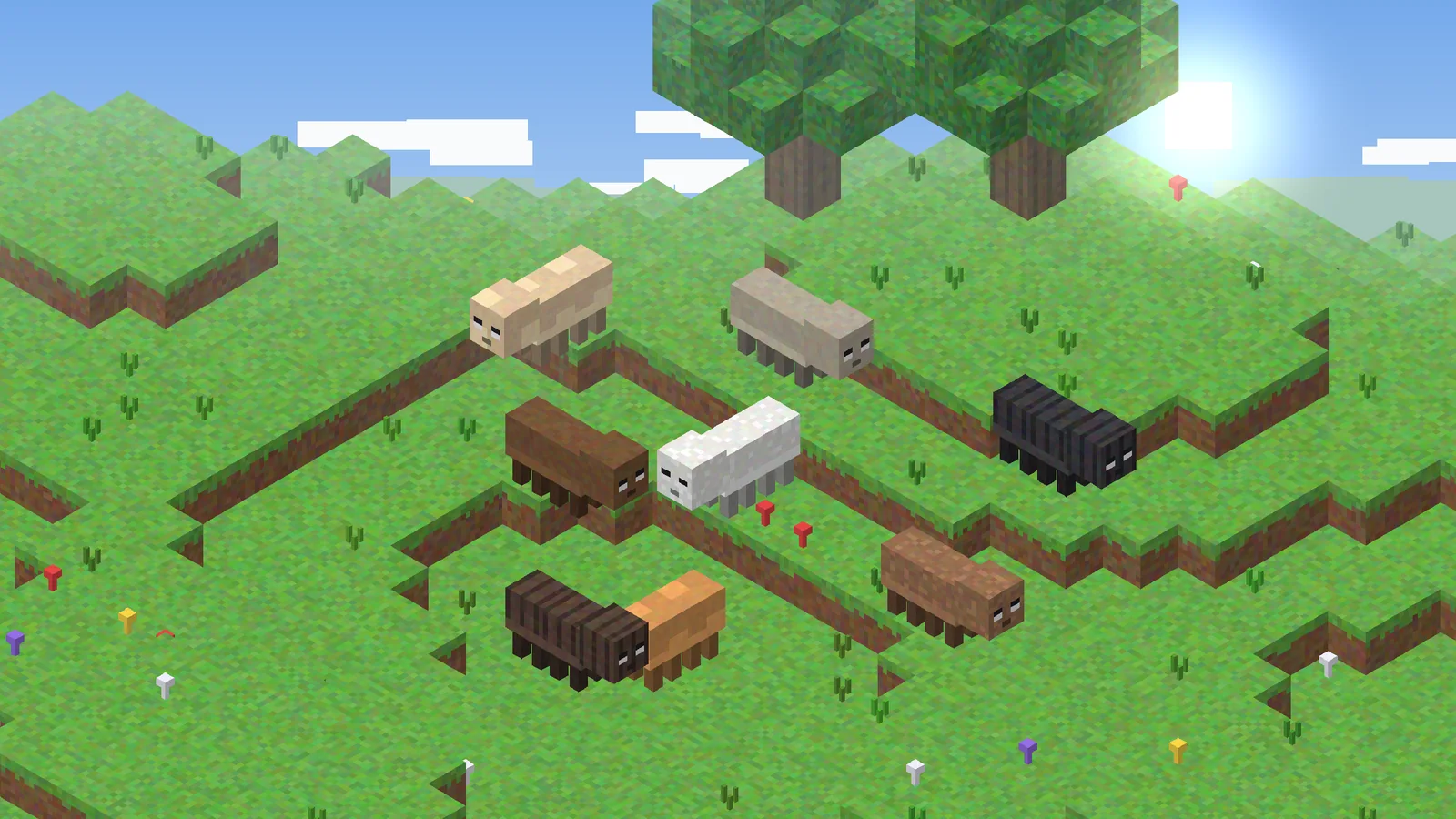
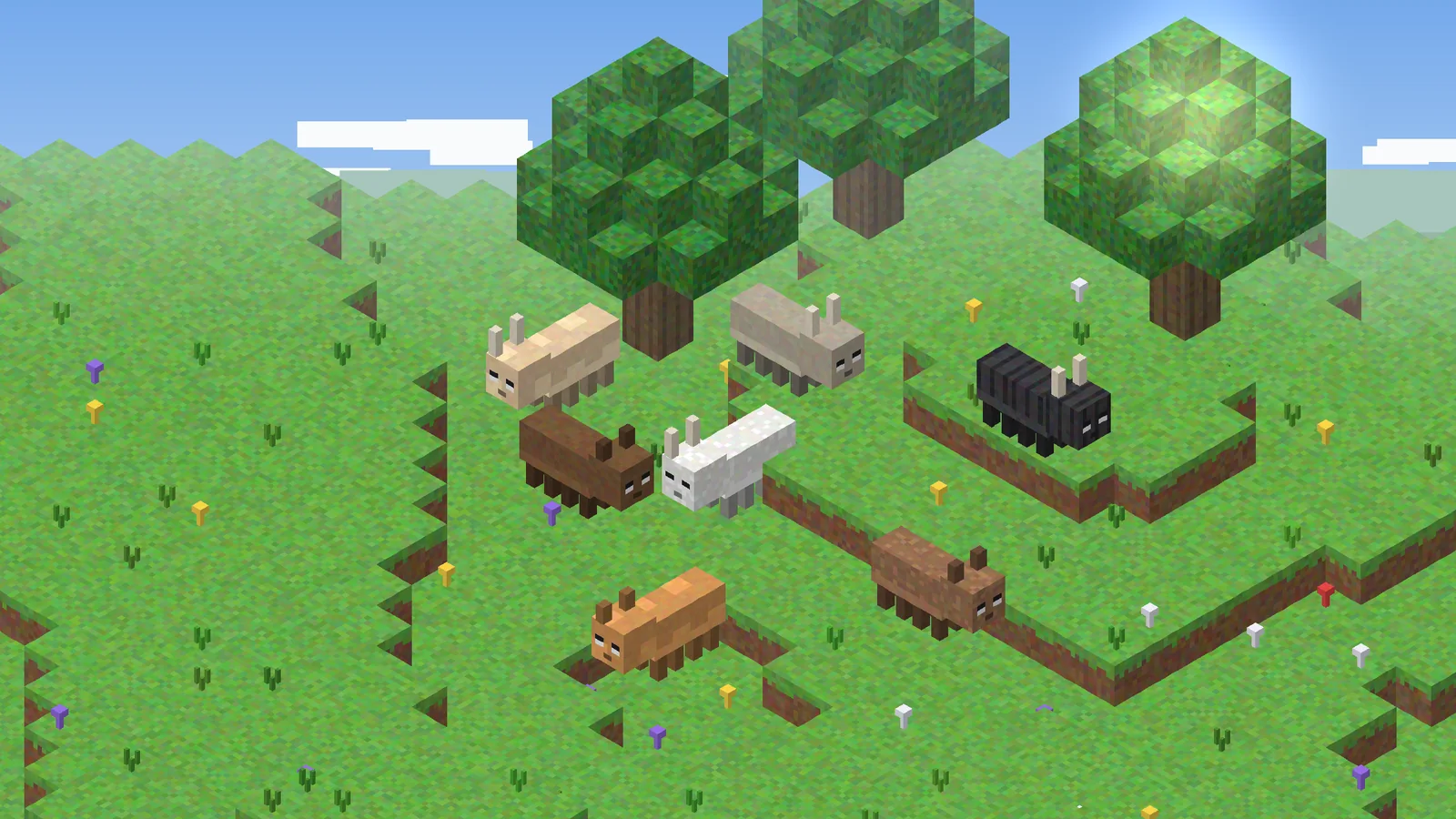
Random textures are the feature most people install ETF Mod for. With one text file, a resource pack can give each mob a different coat, choose skins by biome or height, and reserve a special look for named pets. This guide uses the OptiFine-compatible format that ETF reads.
Key takeaways
- Name the file after the vanilla texture, such as
cow.properties. - Number your textures:
cow2.png,cow3.pngand so on. - Rules run top to bottom; the first rule that matches is used.
Folder layout
Place variants and the properties file in assets/minecraft/optifine/random/entity/, mirroring the vanilla path. For a cow, the vanilla texture is entity/cow/cow.png, so your files go in optifine/random/entity/cow/. Without a properties file, ETF picks between all numbered variants evenly.
Writing basic rules
# skins are numbered textures: 1 is the vanilla one
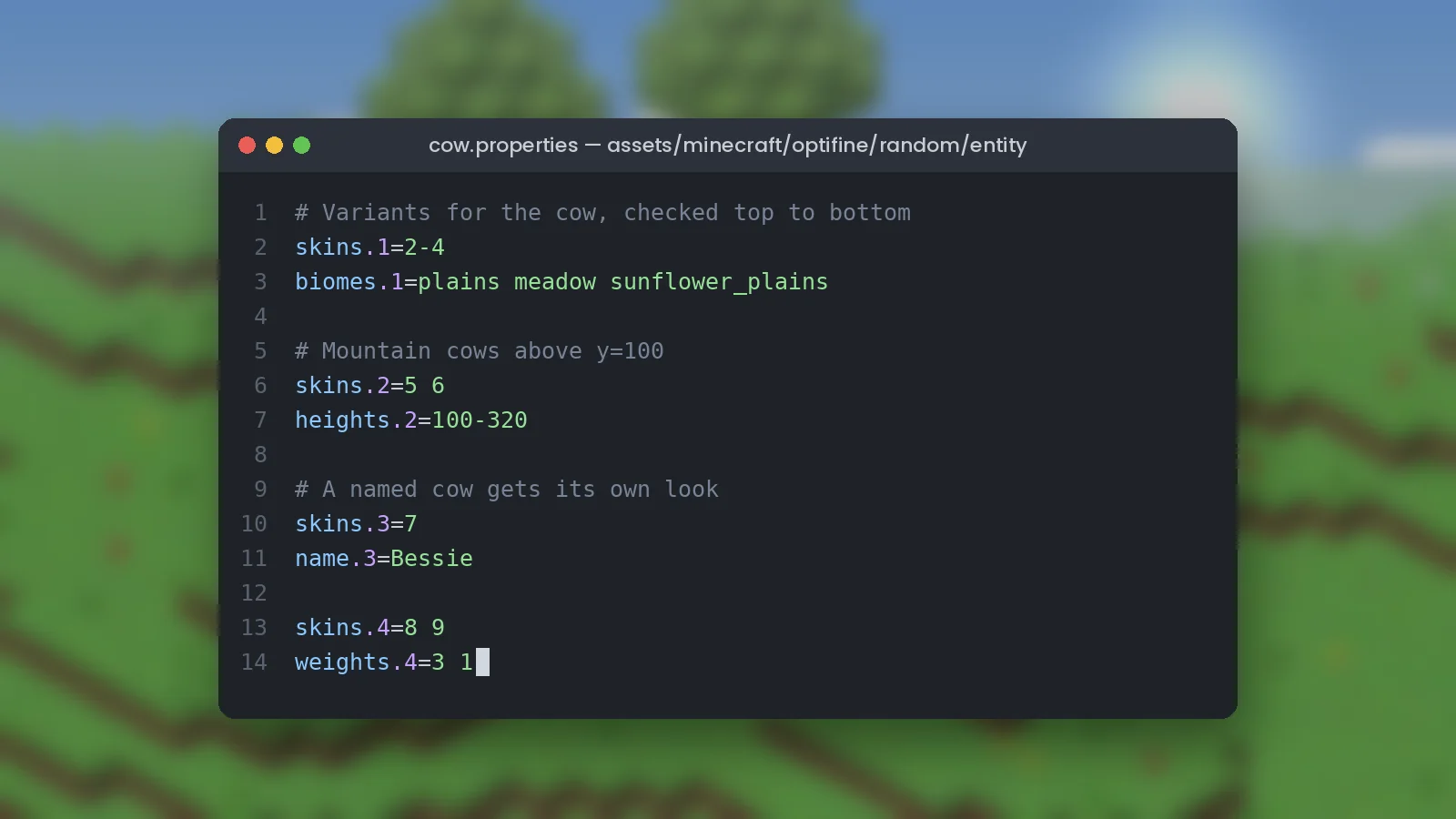
skins.1=2-4
biomes.1=plains meadow sunflower_plains

skins.2=5 6
heights.2=100-320
Each rule shares a number. skins.1 lists the textures rule 1 may choose from; biomes.1 limits where it applies. Ranges like 2-4 and space-separated lists both work.
Names and weights
skins.3=7
name.3=Bessie

skins.4=8 9
weights.4=3 1
A name tag reading Bessie always gets texture 7. Rule 4 uses weights, so texture 8 appears three times as often as texture 9. Put name rules above general rules, because the first match wins.
Other useful conditions
ETF supports many more tests, including baby, health, moon phase, time of day, weather, villager professions and collar colors. Some are checked when the mob spawns and others update while you play, which is how a mob can change texture when injured. The full list lives in the ETF documentation on GitHub.
Testing your pack
Save the file, press F3 + T and spawn a few mobs. If nothing changes, check the path spelling first. Next, learn how to make eyes and markings glow in our emissive textures guide.