Random mob textures
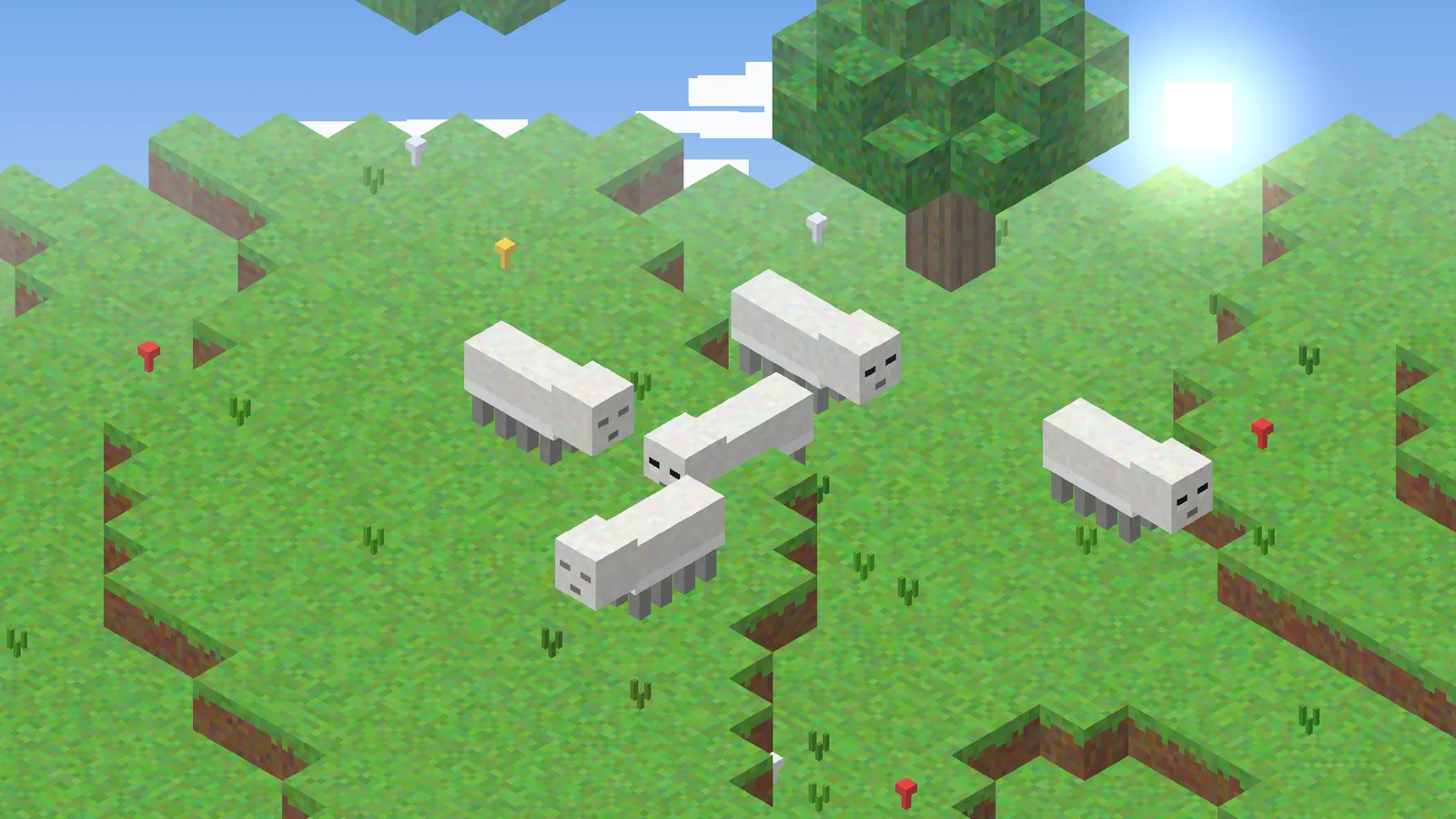
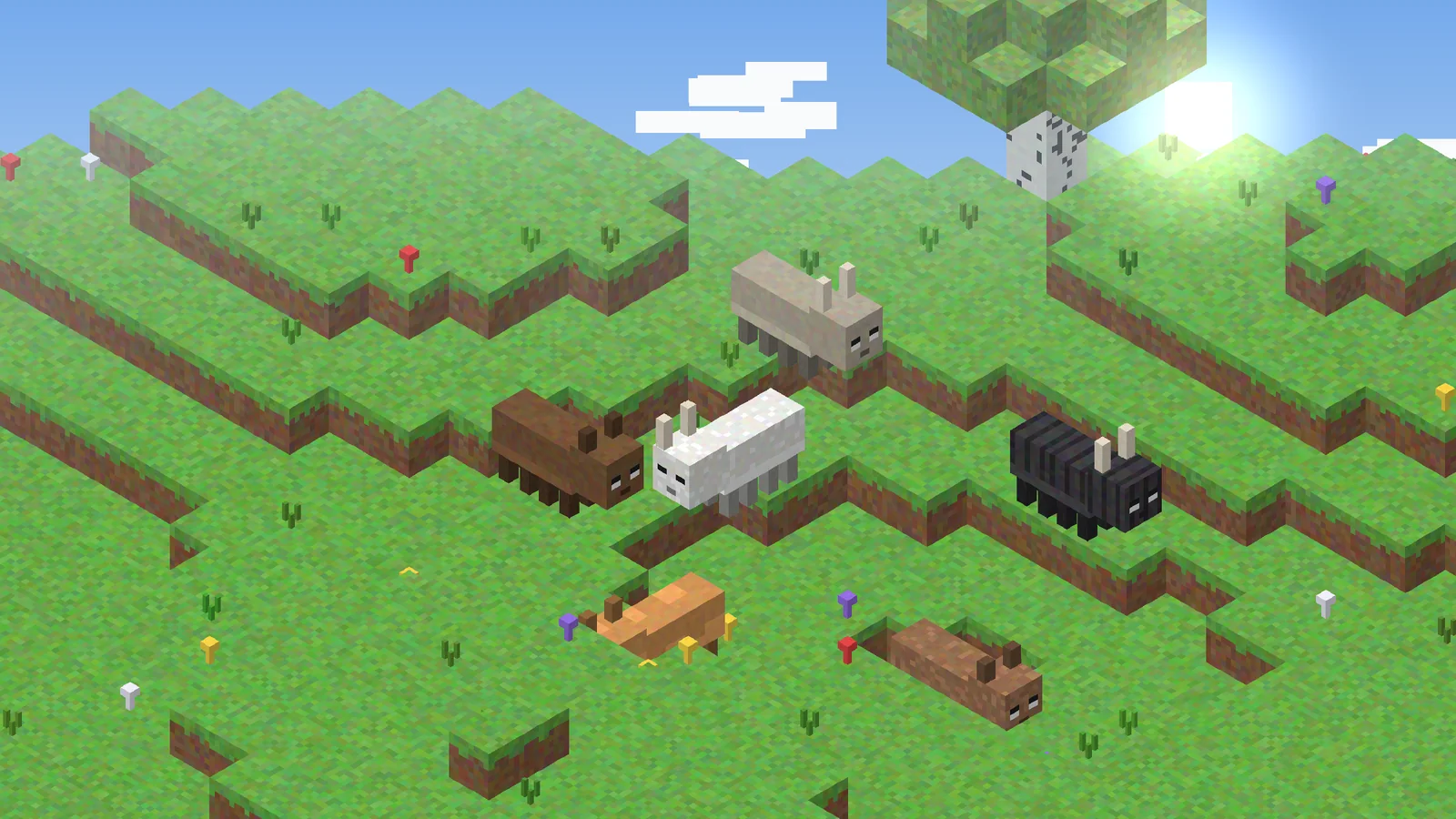
Give every cow, wolf or villager its own look. Packs can choose skins by biome, height, name, weather and more, so a herd never looks copy-pasted.
A closer look at each thing Entity Texture Features adds to Minecraft Java Edition, with examples and links to guides.
Give every cow, wolf or villager its own look. Packs can choose skins by biome, height, name, weather and more, so a herd never looks copy-pasted.
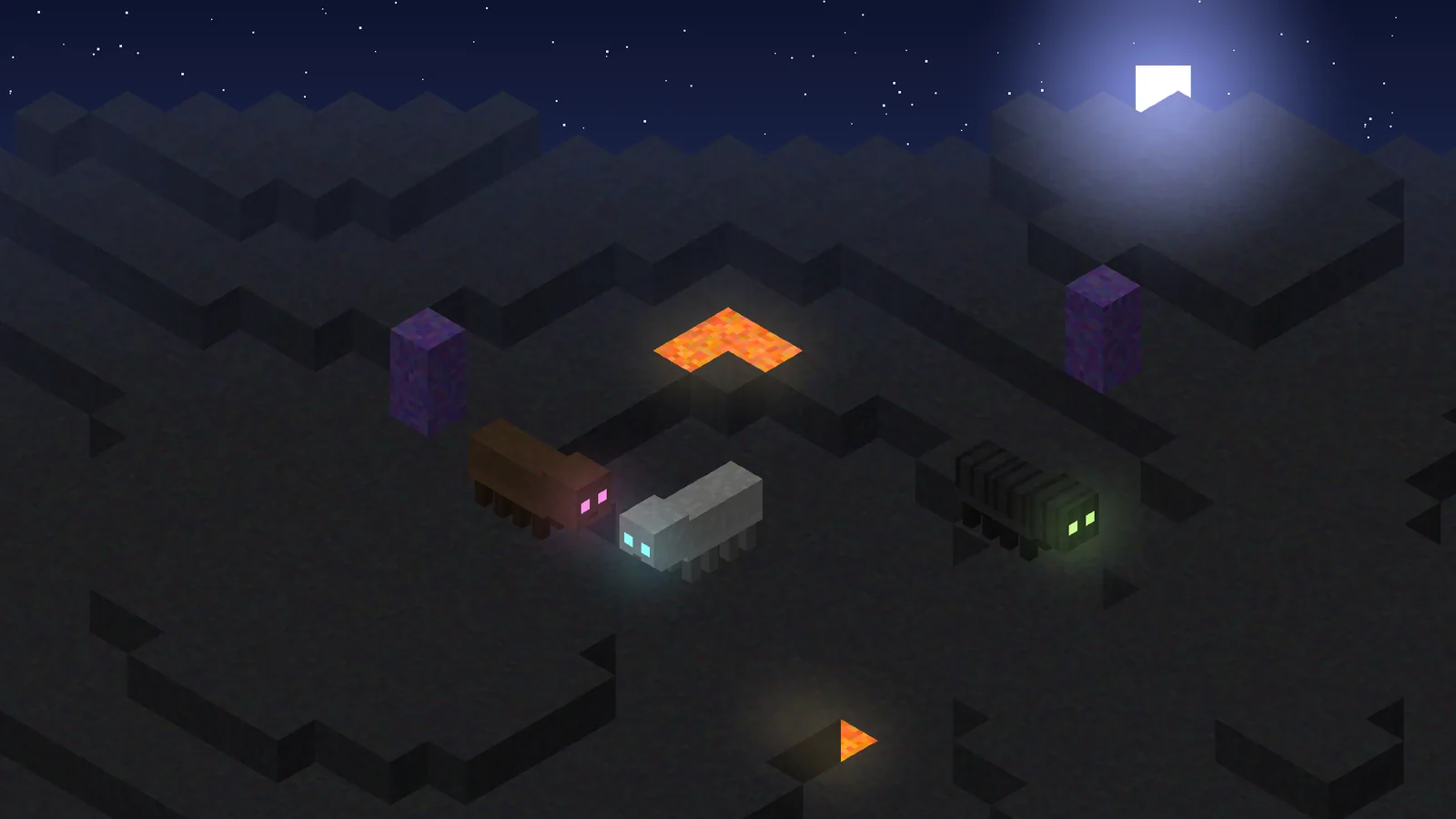
Eyes, runes and markings glow at full brightness in the dark. Night scenes and caves gain atmosphere without a shader pack.
Mobs blink on their own using optional blink textures, a small detail that makes the world feel alive.
Add capes, transparency, glowing pixels and more to your own skin. Other ETF users see them in multiplayer.
Packs can add custom enchanted overlays to entities for magic mobs and armor with personality.
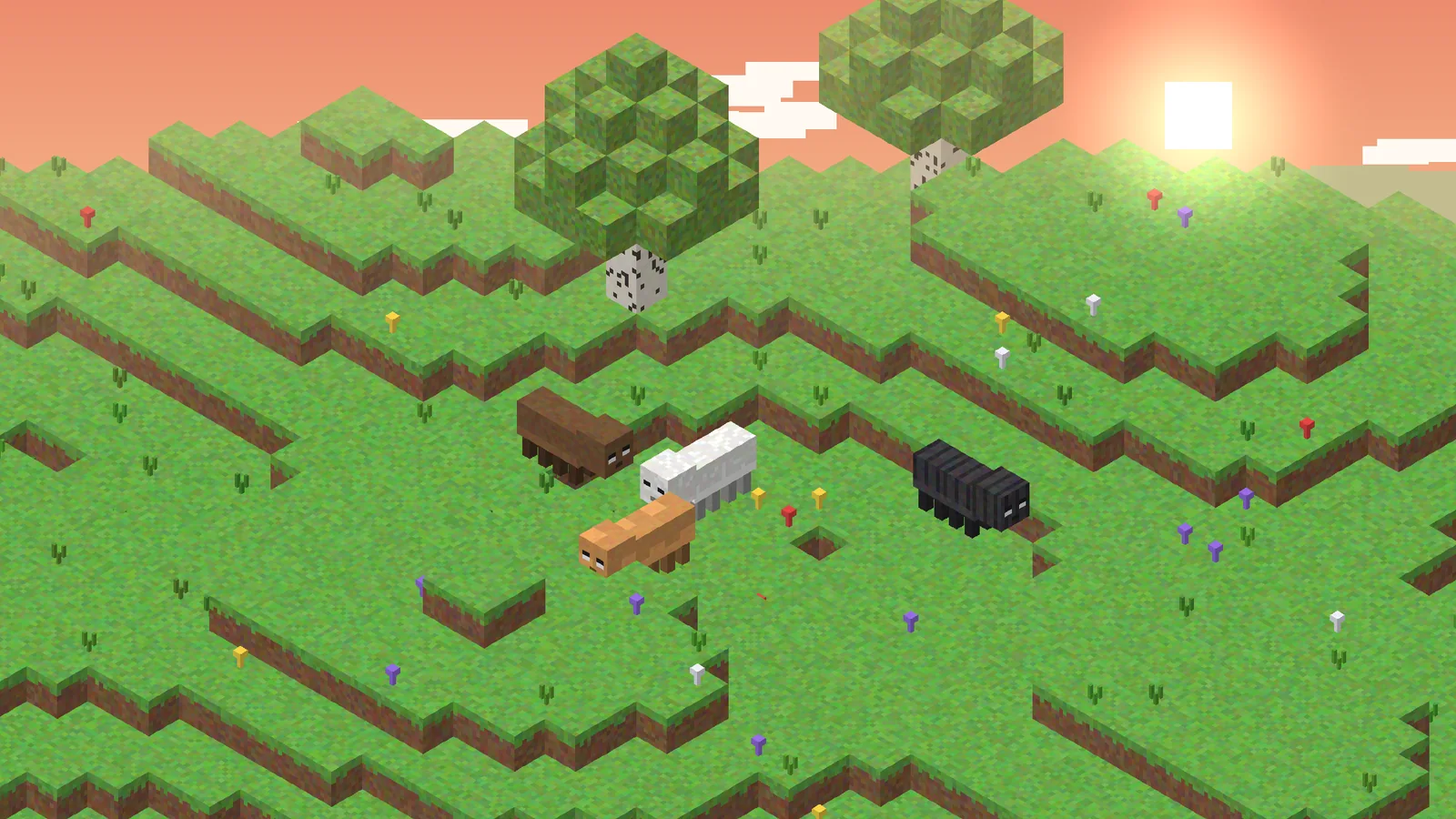
Reads OptiFine's random entity and emissive formats, so thousands of existing resource packs work without edits.
Lightweight checks and caching keep frame rates steady, and it runs happily next to Sodium and Iris.
Toggle each feature, change emissive rendering and enable debug output from a clear settings screen.
Pair it with Entity Model Features to render custom models and animations such as Fresh Animations.
How each part of ETF works and where to learn more.
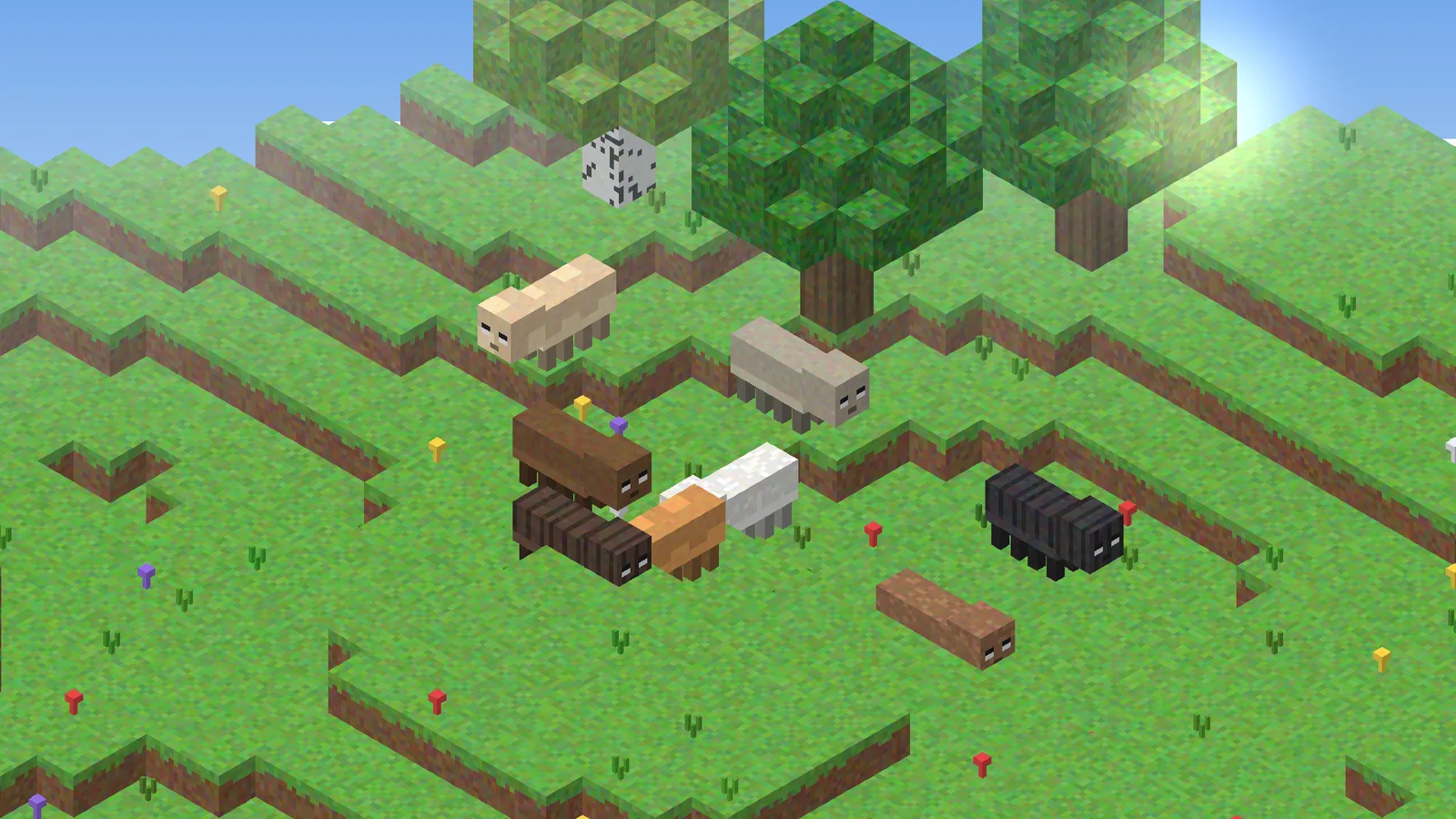
Give every cow, wolf or villager its own look. Packs can choose skins by biome, height, name, weather and more, so a herd never looks copy-pasted.
Resource packs add numbered textures such as cow2.png and cow3.png. ETF assigns one to each mob, either evenly or by rules in a .properties file. Rules can test biome, height, name, weather, time of day, moon phase, health, age, profession and more, and weights make some variants rarer than others.
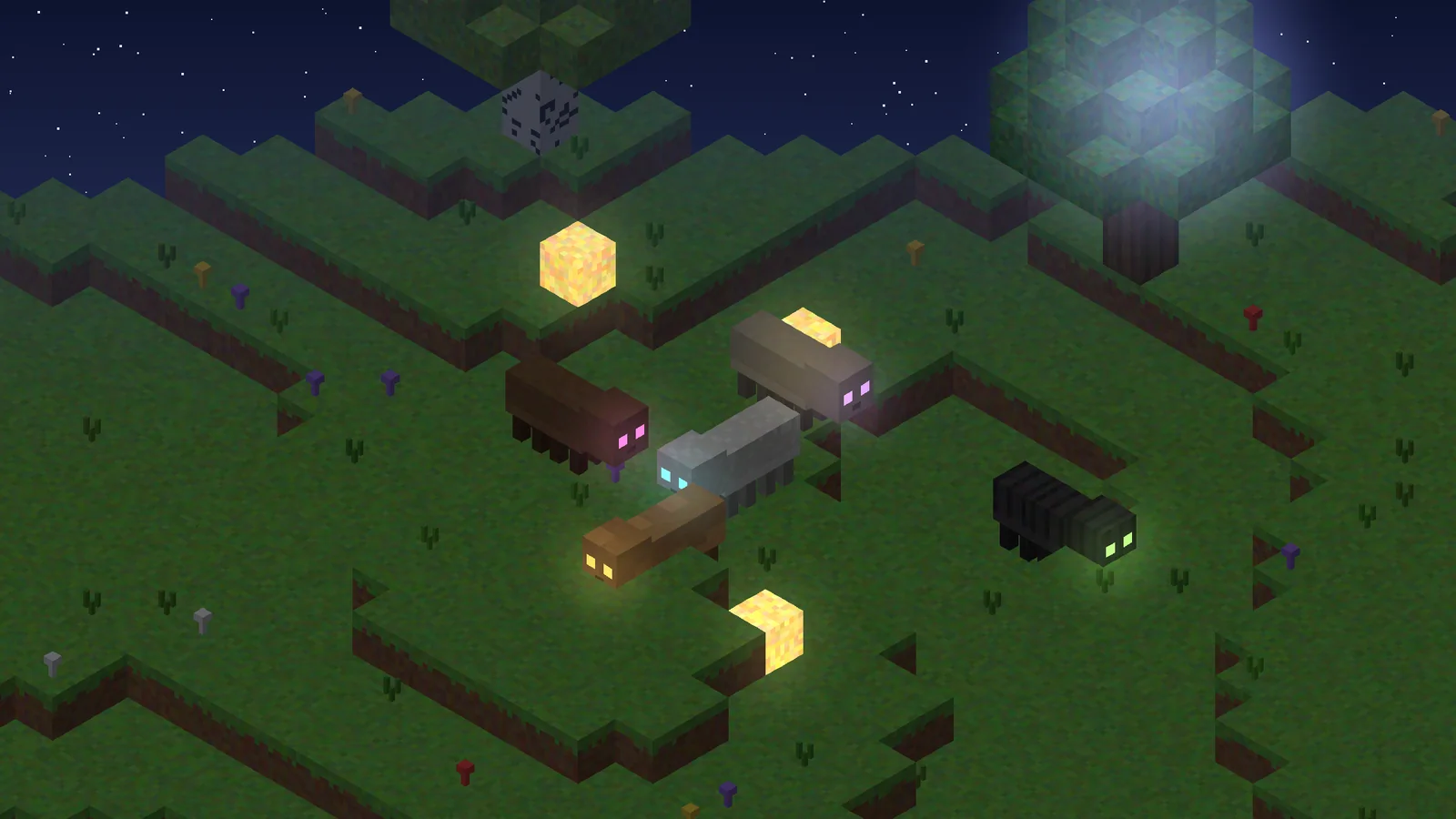
Eyes, runes and markings glow at full brightness in the dark. Night scenes and caves gain atmosphere without a shader pack.
An emissive texture is a second image with the suffix _e. ETF draws it at full brightness on top of the normal texture, so eyes or markings stay visible in darkness. Packs built for OptiFine's emissive format work without changes.
Mobs blink on their own using optional blink textures, a small detail that makes the world feel alive.
Add _blink textures and ETF will briefly swap to them at random intervals, making mobs appear to blink. Blink length and frequency can be tuned by the pack, and a second blink frame is supported for smoother animation.
Add capes, transparency, glowing pixels and more to your own skin. Other ETF users see them in multiplayer.
ETF can read extra features stored in a player's skin, such as capes, transparent pixels and emissive areas. The settings screen includes a skin tool to help set them up. Other players need ETF to see them.
Read the skin features section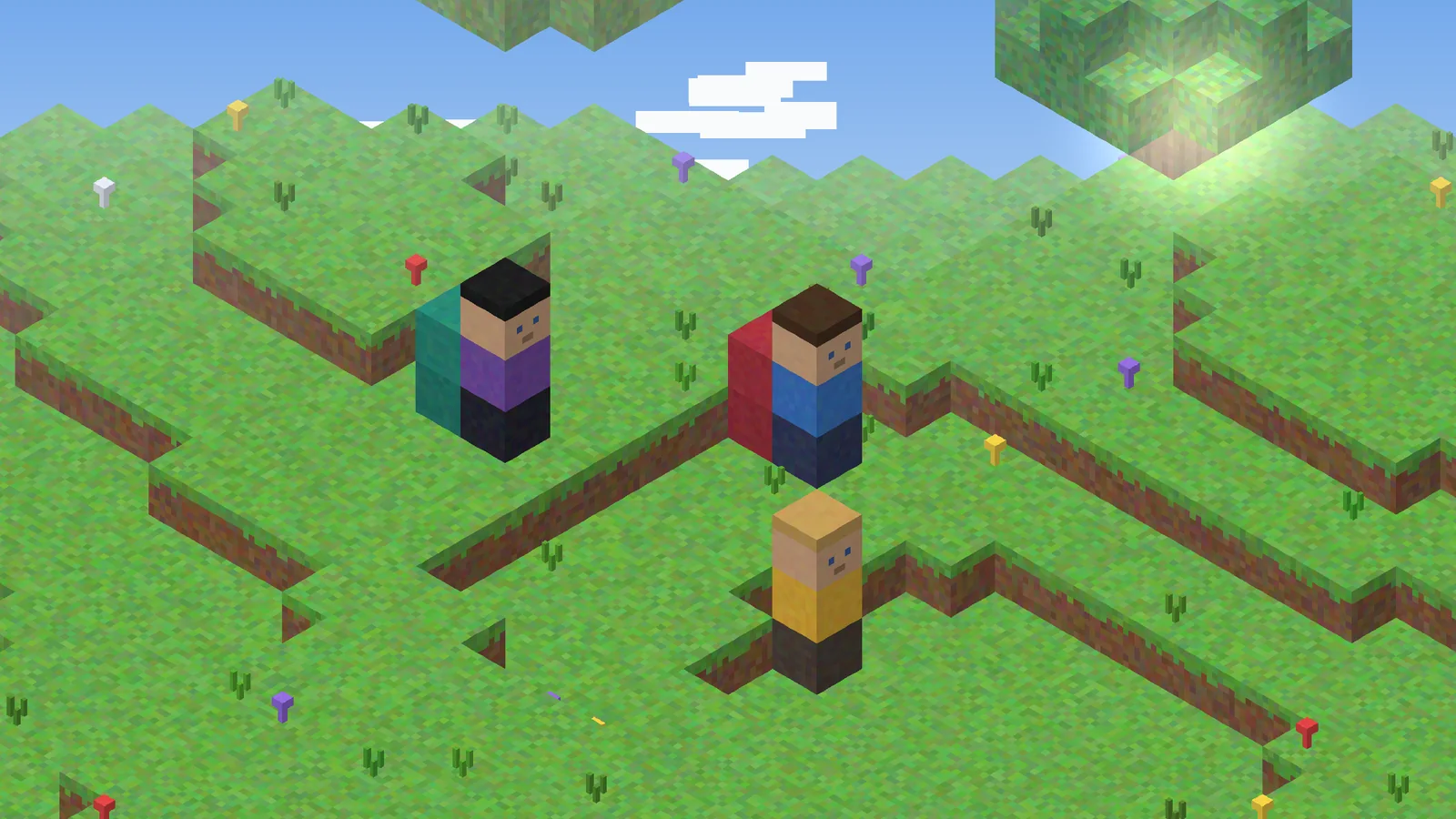
Packs can add custom enchanted overlays to entities for magic mobs and armor with personality.
Packs can supply _enchant textures to give entities a custom enchantment shimmer, useful for magical mobs or special variants.
Reads OptiFine's random entity and emissive formats, so thousands of existing resource packs work without edits.
ETF reads the optifine/random/entity folder and OptiFine's emissive settings, so existing packs work as-is. Pack makers can also use ETF's own folder for ETF-only features.
Lightweight checks and caching keep frame rates steady, and it runs happily next to Sodium and Iris.
Texture decisions are cached per entity and only re-checked when a rule depends on changing data. Combined with Sodium, ETF keeps frame rates close to vanilla on typical packs.
Read the FAQ on FPSToggle each feature, change emissive rendering and enable debug output from a clear settings screen.
Open the settings through Mod Menu on Fabric or the mods list on NeoForge. Toggle each feature, choose an emissive rendering mode for shaders and enable debug logging when building packs.
Read the settings reference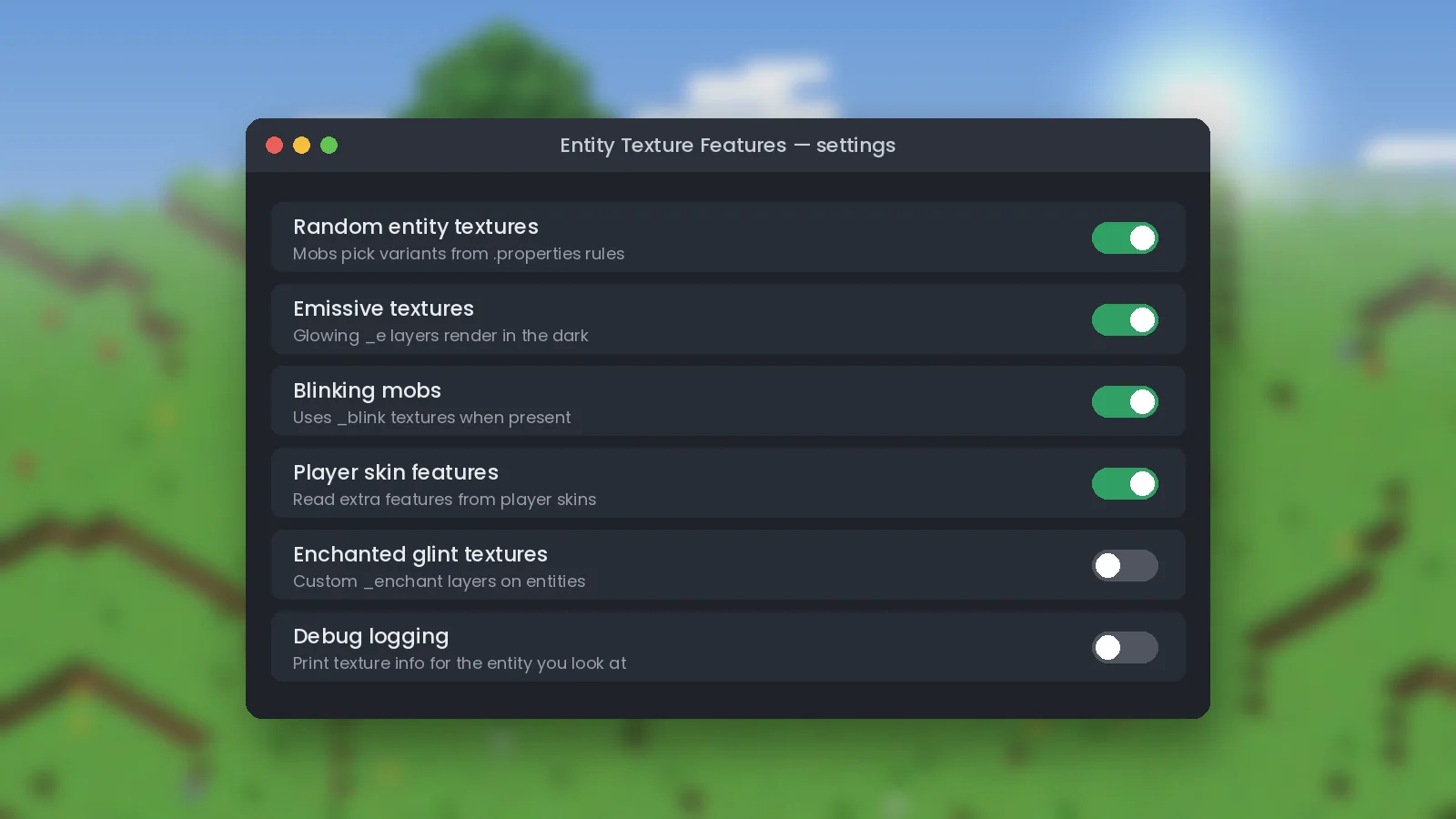
Pair it with Entity Model Features to render custom models and animations such as Fresh Animations.
Entity Model Features builds on ETF to render custom models and animations from .jem files. Popular packs like Fresh Animations need both mods installed.
Free, open source and under 1 MB. Install it once and every compatible resource pack comes to life.